
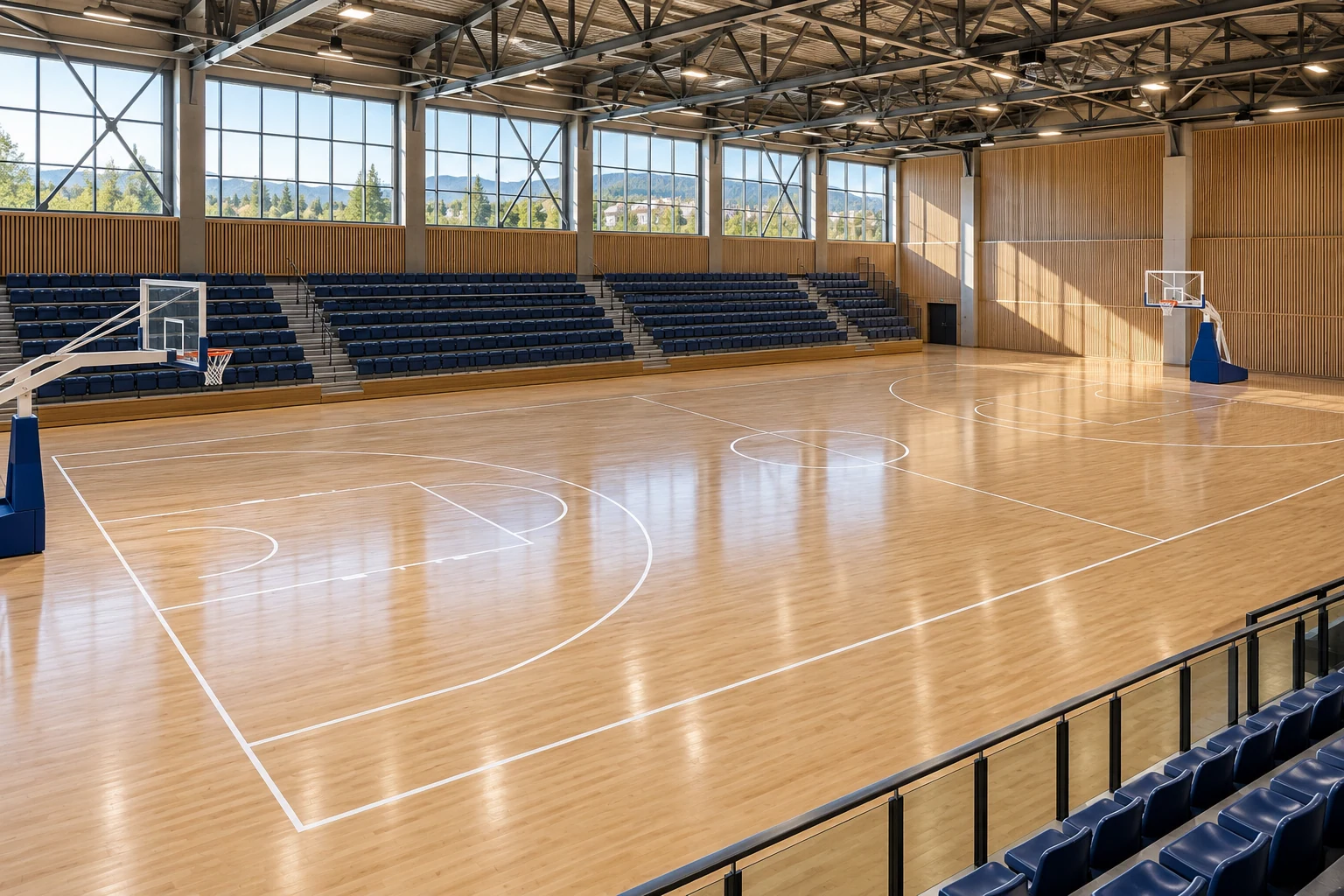
Directory of facilities and resources
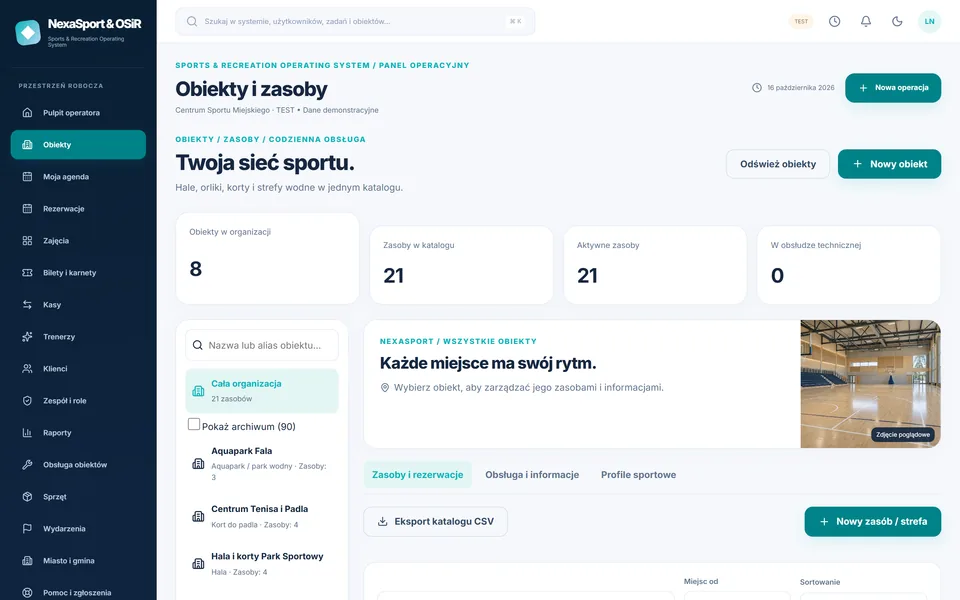
Network → facility → resource. 24 ready-made profiles: swimming pools, aqua parks, halls, sports fields, courts, ice rinks, gyms, climbing walls and others.
Module detailsSPORTS CENTRES · POOLS · HALLS · COURTS · ICE RINKS
Swimming pools, sports halls, courts and classes in one system. Bookings, tickets, passes, schedules and reports for sports and recreation operators.

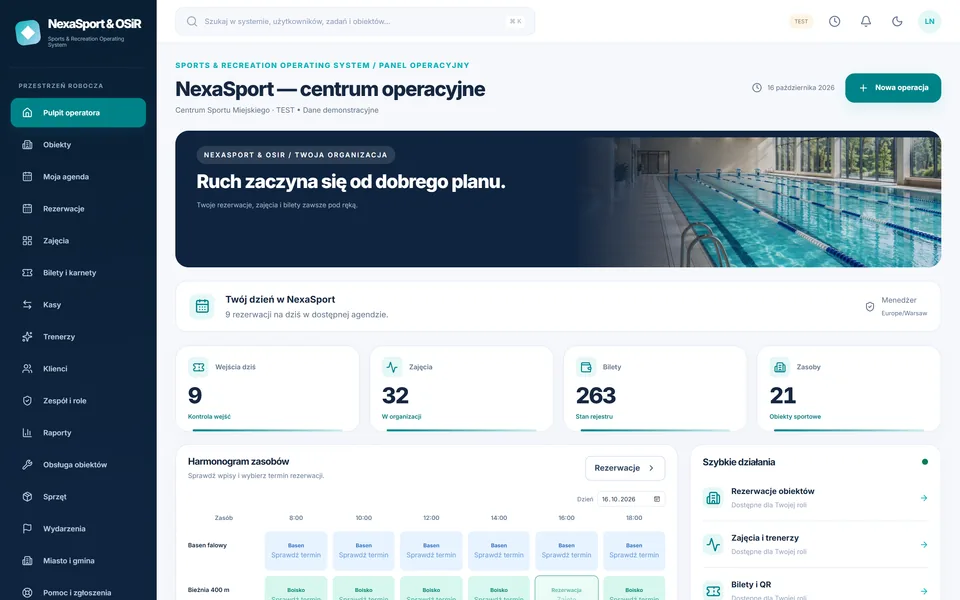
YOUR CENTER. ONE SYSTEM.
The swimming pool, court, hall and ice rink have different rules. Ready-made industry profiles suggest resources, aliases and checklists - and you adjust prices and hours.
SEE THE SYSTEM IN OPERATION
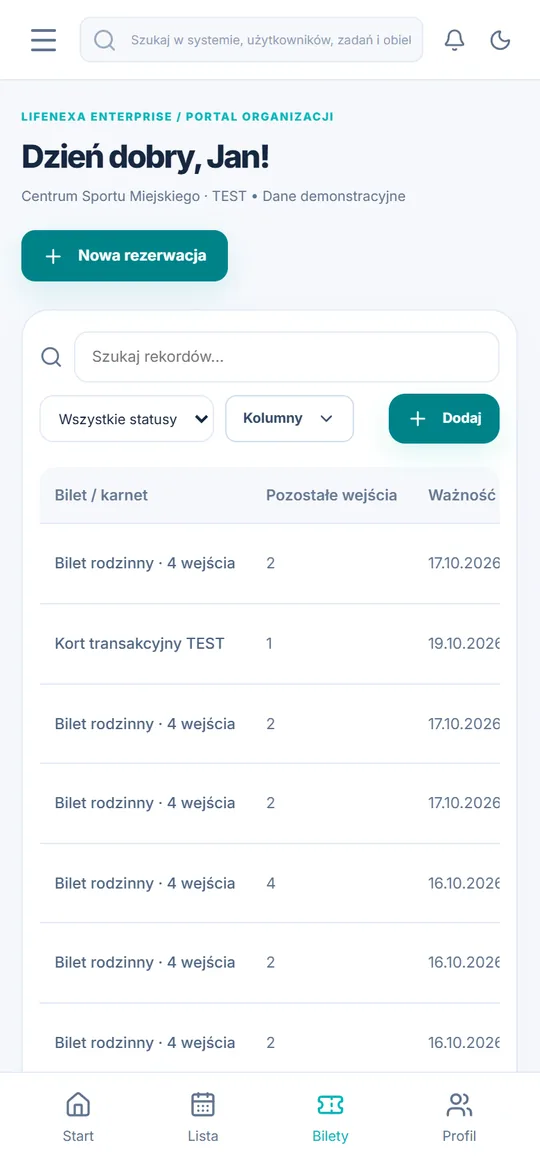
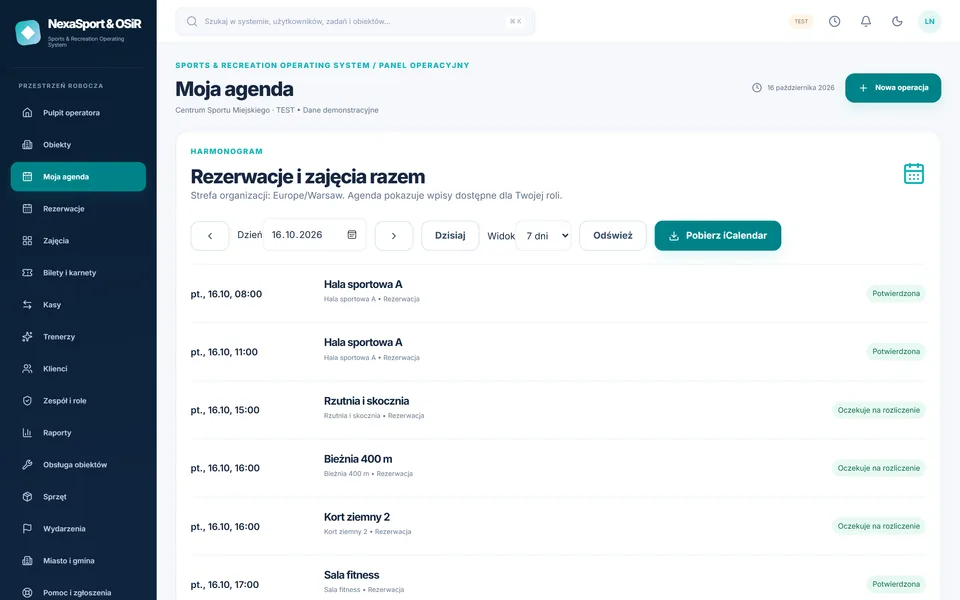
These are screenshots of a working NexaSport release with fictional data. Switch between panel and app views.
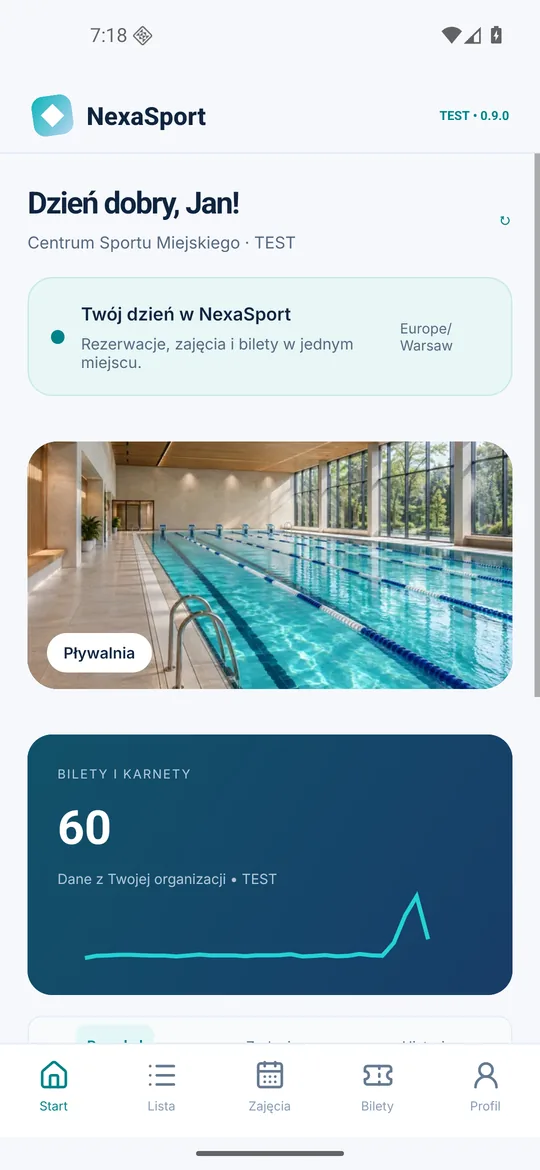
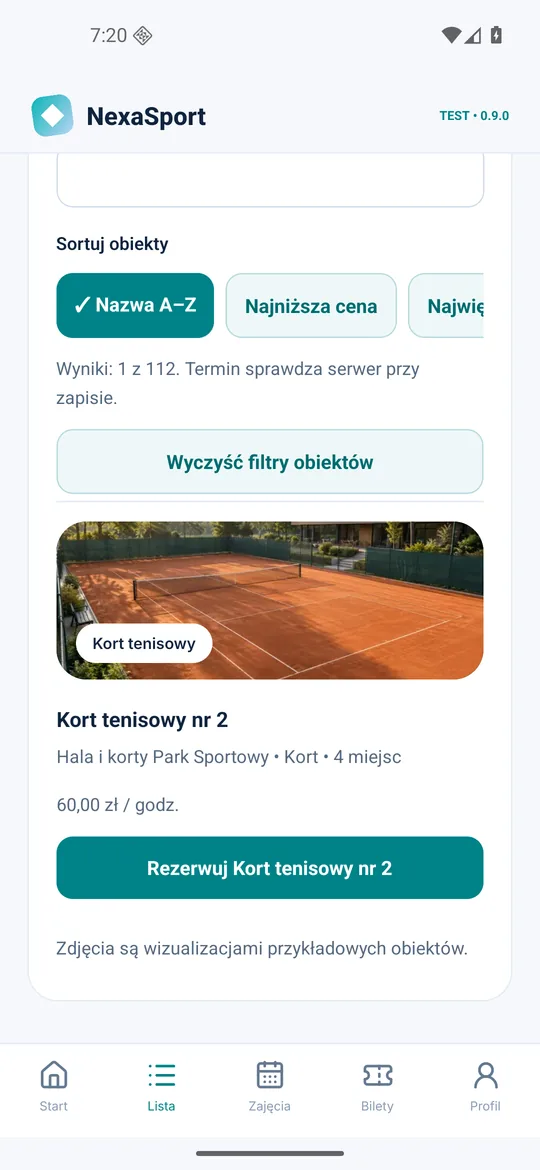
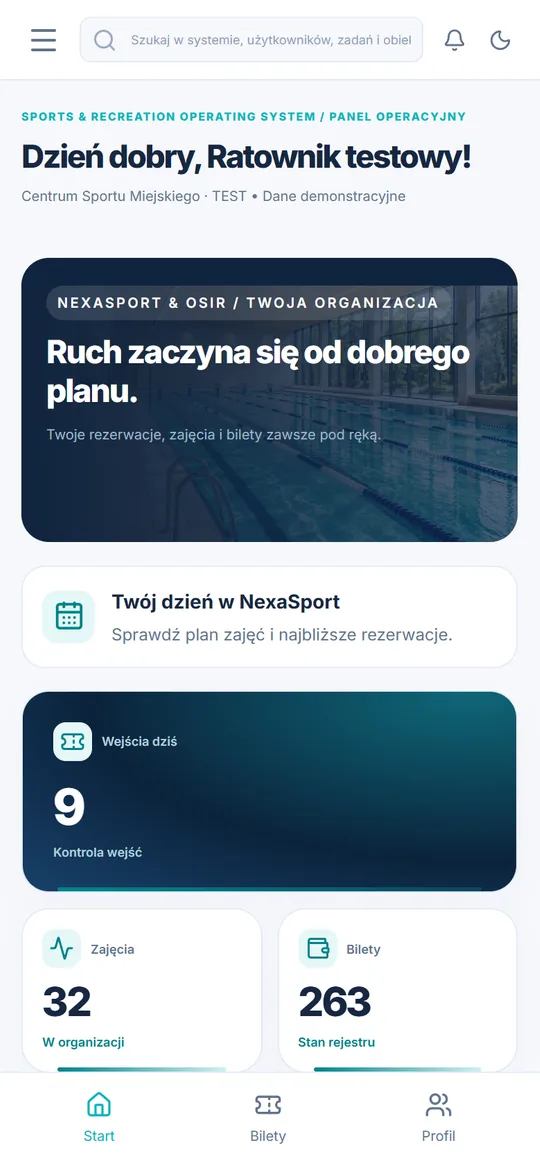
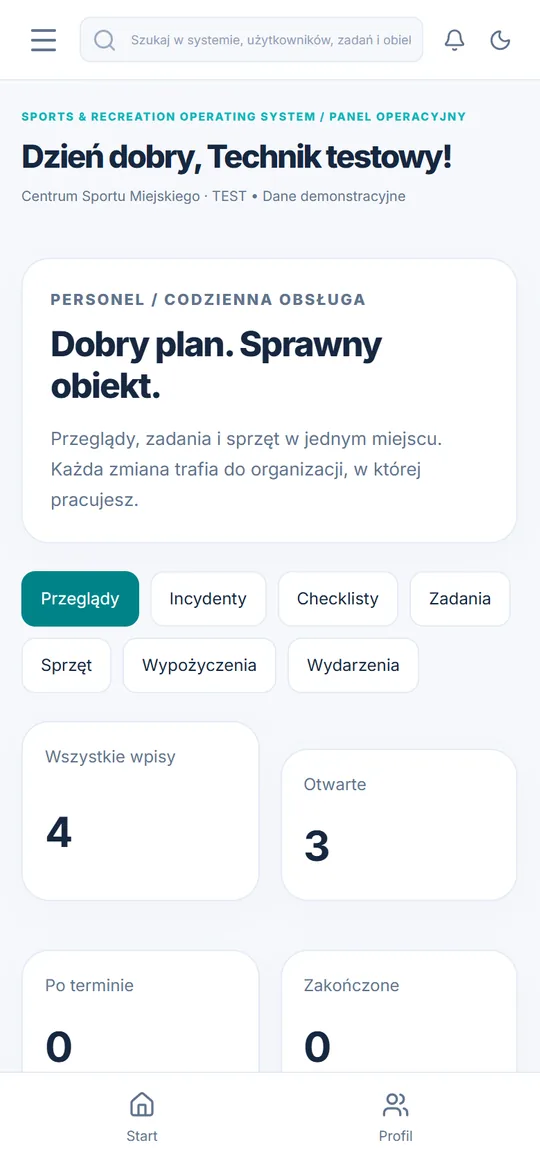
Entries, classes, sales and use of facilities on one screen, with live team activity.
Bookings and classes in a timetable. The database prevents scheduling conflicts.
24 industry profiles, aliases, prices, closing hours and days.
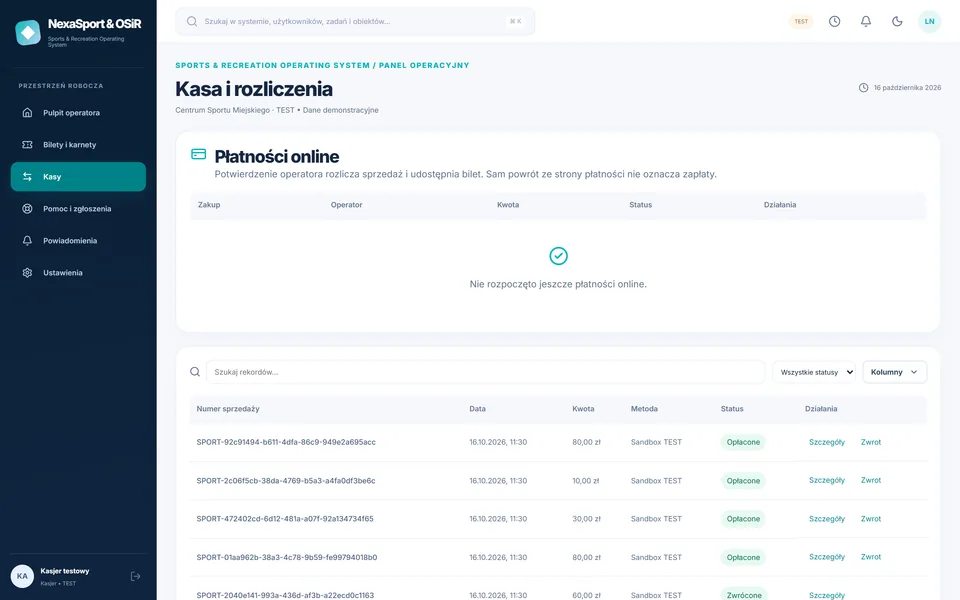
Sales at the box office, returns, transaction history and ticket control.
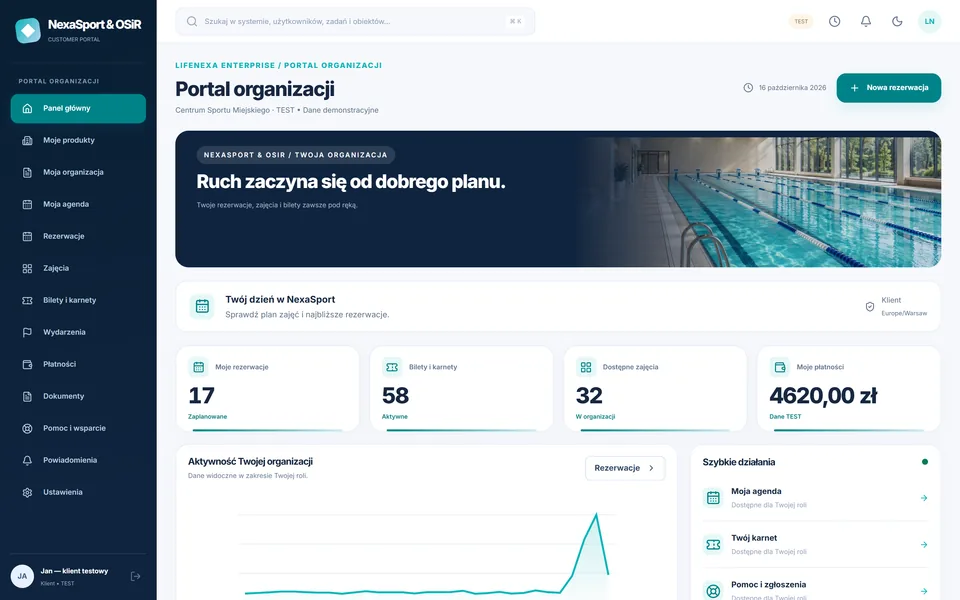
Reservations, QR tickets, passes, child activities, payments and documents.
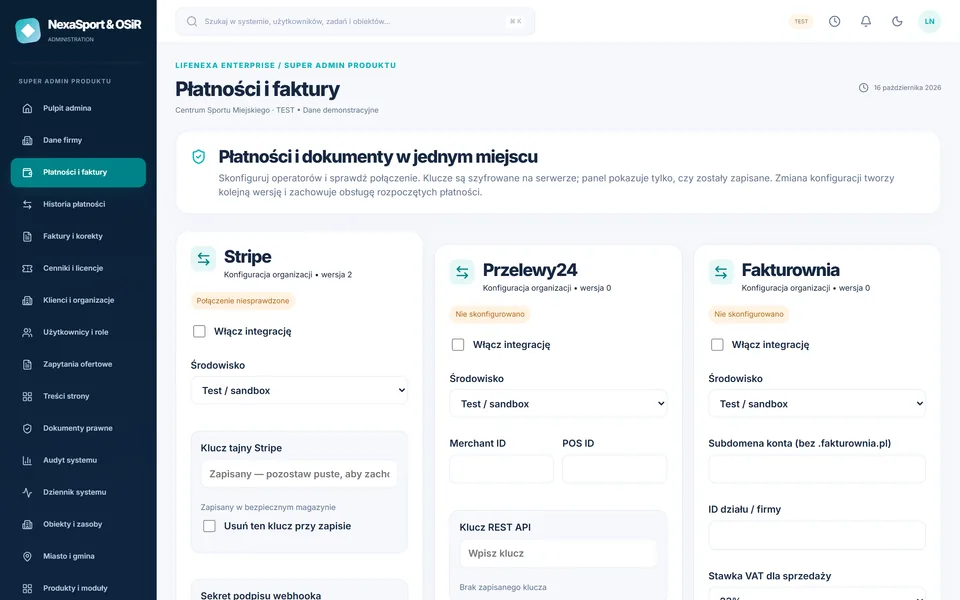
Przelewy24, Stripe and Fakturownia, users, website content and audit - no changes to the code.
Screenshots show the Polish panels and app. The language selector changes this information website.
FROM RESERVATION TO REPORT
Each step is recorded in the system, and sales and attendance are immediately included in the reports.
The operator adds a court or lane with price and opening hours.
The customer selects a available time slot in the portal or application. The database prevents double bookings.
Przelewy24, Stripe or checkout. The ticket is only created after confirmation.
The ticket is sent to the customer portal and application.
Staff scan code - one-time entry is recorded.
Sales and attendance are immediately included in reports and exports.
MODULES
Ten industry modules work on shared data. You include what your centre needs.
Network → facility → resource. 24 ready-made profiles: swimming pools, aqua parks, halls, sports fields, courts, ice rinks, gyms, climbing walls and others.
Module detailsResource calendar with one-time and recurring reservations. Conflicts are blocked by the database, not just the form.
Module detailsSingle tickets and passes with entry limits and expiry dates. The QR code is cryptographically signed.
Module detailsGroups with limited places, registration of children by a guardian, attendance list and notification of change of date.
Module detailsCounter and online sales, cashier shift reconciliation, refunds and a transaction ledger that cannot be retrospectively edited.
Module detailsScanner in the staff app or browser. Offline mode with local permission list and explicit sync conflicts.
Module detailsTeam-limited tournaments and events, team registrations and participant communication.
Module detailsEquipment storage, rentals and returns, inspections, incidents, technical tasks and lifeguard checklists.
Module detailsReservations, QR tickets, passes, payments, invoices, documents and children’s activity registrations in one place - on your computer and phone.
Module detailsAttendance, resource utilisation, sales and events. CSV, XLSX and PDF export within the scope of role permissions.
Module detailsROLES AND PERMISSIONS
Separate views and permissions checked by the server - from the director of OSiR to the parent registering the child for a swimming pool.
Performance dashboard, reports, team and facility settings.
Resource calendar, reservations, clients and tickets.
Sales, cashier shifts, refunds and ticket checks.
Class agenda and attendance list on your phone.
Entry scanner, checklists and incidents.
Tasks, inspections, equipment and rentals.
Reservations, QR tickets, passes, child registration.
Company details, payments, website content, users and audit.
MOBILE APP
The customer has QR tickets, passes and reservations. The staff scans entrances - even without the Internet - and takes attendance and tasks. The manager sees results and occupancy.
Android 8.0 or higher · 60 MB · install from APK file. iOS version in preparation.INTEGRATIONS
The administrator enters provider credentials in the panel without changing the code. Each integration shows its actual status.
Transaction registration, SHA-384 signatures, server-side payment verification and confirmed refunds. The administrator enters credentials in the panel.
Stripe Checkout, webhook with signature verification, amount and currency control, returns with idempotency key.
Invoice after payment, correction after return, PDF and e-mail sending. Protection against double document issuance.
Message queue with retries and manual retries in admin panel. The operator configures the production mail server.
OpenAPI description, idempotency headers, signed webhooks and event log. Integration of gates and readers via API.
Export reservations and activities to Google Calendar, Outlook and phone calendar.
SECURITY
Database isolation, roles, admin MFA, encrypted payment keys and full audit log.
How we protect your dataPRICE LIST
Net prices per month. All plans are paid, with no hidden fees for modules included in the plan.
One facility: reservations, QR code ticketing and customer portal.
PLN 299net/month
up to 1 facility
Ask for an offerMultiple facilities, activities, staff and online payments in one system.
PLN 799net/month
up to 5 facilities
Ask for an offerNetwork of municipality or operator facilities: individual contract, integrations and reports for the local government.
PLN 1,499net/month
up to 25 facilities
Ask for an offerFAQ
Yes. An organisation may have many facilities (e.g. swimming pool, hall and sports club), and each facility may have its own resources, prices, opening hours and closing days. The facility limit depends on the plan.
Yes. The customer selects a available time slot on the portal or application and then pays via Przelewy24 or Stripe configured by the administrator. A ticket with a QR code is created only after the operator confirms the payment.
Only one reservation will be saved. The conflict is blocked by the database, so it does not depend on the browser speed. The second person will see a message about the date being booked or can sign up for the waiting list.
Staff scanner has offline mode with local list of valid tickets. Once the connection is restored, operations are synchronized and conflicts are shown to the staff - the system does not silently overwrite them.
The parent adds the child to his/her account with the consent of the guardian and registers him/her for classes. The trainer keeps an attendance list, and those registered receive a notification when the date is changed.
After Fakturownia is configured, the system issues an invoice for a paid sale when the customer has saved their billing details, and a credit note after a refund. Documents can be downloaded as PDFs and sent by email.

NEXASPORT & OSIR
Explore bookings, the ticket office, classes, the app and reports using your facilities as an example. No obligation.